 Skip to content

DOWNLOAD THE EVENT APP
Step 1). Download the app using our QR CODES!
App store

Google play store
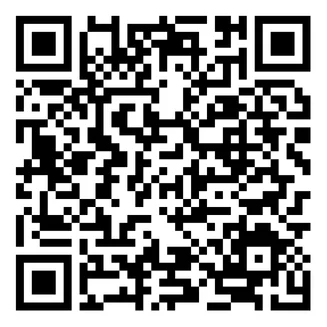
*If you need to search for the app, search for: “BridgeTower Media” – You will not find it searching up anything else! *
The SleepNXT event app is available through the BridgeTower Media app. Download it before arriving onsite to access the agenda, session details, sponsor/exhibitor information, and important event updates.
Step 2). Sign in!
After downloading the app, open it and sign in using the email address you used to register for SleepNXT. You may receive a magic link or verification email to complete your login. Check spam/junk if you do not receive the email.
Step 3). Select SleepNXT!
Once logged in, select the SleepNXT event from the app and allow notifications so you can receive important onsite updates.
*Be sure to allow push notifications so you do not miss important event updates, schedule reminders, session notes, and onsite announcements*
Step 4). Explore App Features!
✔ View the agenda
✔ Access session details
✔ Receive push notifications
✔ View AI session notes
✔ Complete session surveys
✔ Explore sponsors and exhibitors
✔ Find helpful onsite information